Encrypted storage
Create a private folder in Thunder Cloud Drive that requires a password to open.
Password protect folder · Lock cloud folder · Private cloud folder · Secure folder with password · Hide photos in cloud
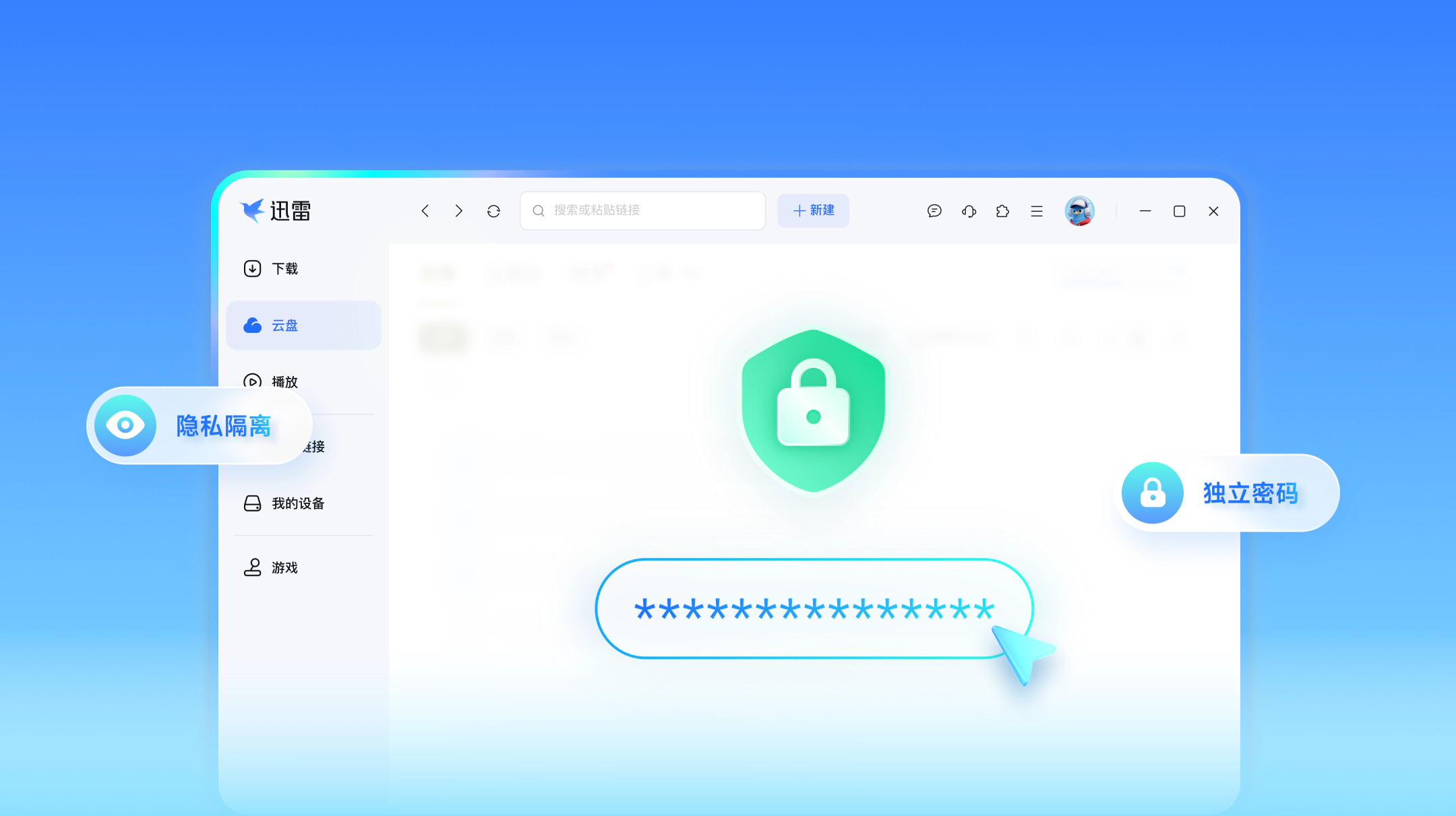
Create a private folder in Thunder Cloud Drive that requires a password to open.
Keep photos, contracts, and documents separate from regular cloud files.
Sign in, enter the password on phone or PC, and view vault contents.

How large is Secure Vault?

During this test phase, the vault shares space with regular Cloud Drive, up to the size allowed by your current plan.
What if I forget the vault password?
Verify your identity to reset it. Files in the original folder are not lost.
Can other people see files I put in the vault?
No. Files stay in your Thunder Cloud Drive and need a password. Do not store illegal content in the vault.
© 2003-2026 Xunlei.com. All rights reserved.